
5GHz vs. 2.4GHz Wi-Fi: Which Devices Need Which Band?
Understand how to optimize your home Wi-Fi by connecting the right devices to 5GHz or 2.4GHz bands. Learn which devices benefit most from faster speeds and which need wider range.

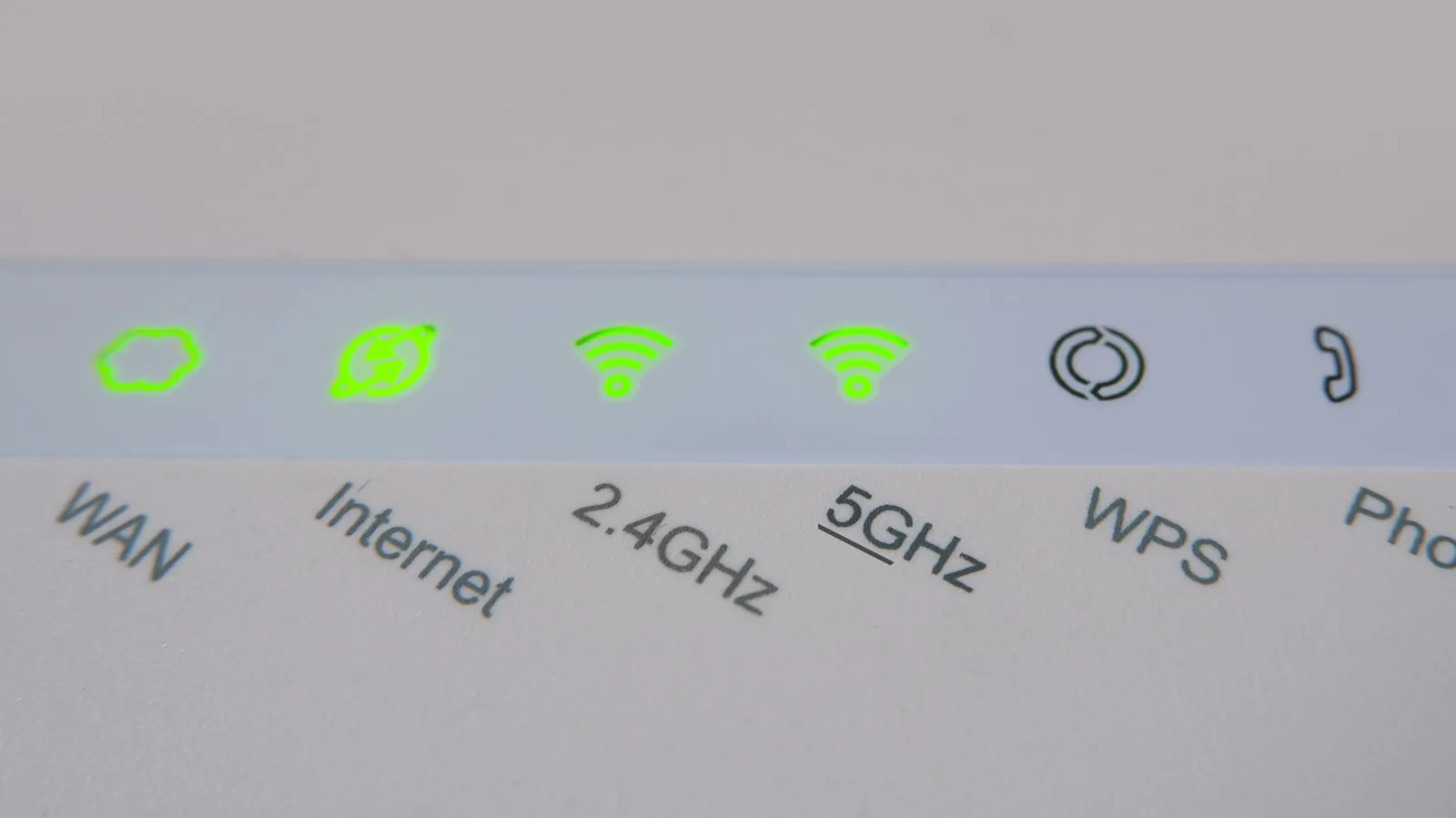
Navigating your home Wi-Fi network settings can be confusing, but understanding the difference between 5GHz and 2.4GHz bands is key to a smoother online experience. Most modern routers broadcast on both frequencies, each offering distinct advantages. While 5GHz promises significantly faster speeds, it has a shorter range. Conversely, the 2.4GHz band offers greater coverage but at a slower, more stable connection.
Choosing the correct band for each device can dramatically improve performance, preventing buffering during streaming or lag during online gaming. The prevalence of 6GHz bands is growing but remains a long way from being standard in most households. For now, the decision typically lies between the 2.4GHz and 5GHz options. Merely assuming the 5GHz network is always superior is a common pitfall; in many cases, sticking to the 2.4GHz connection is the more prudent choice.
Smartphones and tablets are prime candidates for the 5GHz Wi-Fi band. These devices rely heavily on internet connectivity for app updates, video calls, streaming, and general browsing. The higher speeds offered by 5GHz ensure these activities are uninterrupted, especially for heavy users. While their portability means users might move away from the router, most devices will automatically fall back to the 2.4GHz band if the 5GHz signal weakens significantly, maintaining a connection. It's advisable to manually reconnect to 5GHz when back within optimal range to avoid speed throttling.
Optimizing Network Performance for Modern Devices
The way we consume media has transformed, with streaming services like Netflix leading the charge. Devices such as Amazon Fire TV Stick, Google TV Streamer, and Roku Streaming Stick have turned standard televisions into entertainment hubs. Similarly, smart TVs are now equipped with built-in internet connectivity, eliminating the need for external streaming gadgets. Regardless of the setup, these entertainment devices demand robust, high-speed internet to deliver seamless 4K content and advanced audio without buffering. Connecting these to the 5GHz Wi-Fi band, ideally with the router placed nearby, is crucial for unlocking the fastest possible download and upload speeds.
For gaming enthusiasts, an Ethernet connection is often the gold standard, offering the highest data transfer speeds and virtually eliminating lag, which is critical in competitive play. However, running a physical cable can be inconvenient. In such cases, placing your Wi-Fi router close to your gaming console or PC and connecting to the 5GHz Wi-Fi network is the next best option. This wireless solution provides a significant speed boost without the hassle of wires, though it may not match the absolute reliability of a direct Ethernet link.
Work laptops and desktop computers also benefit immensely from a fast internet connection, especially when dealing with large file downloads, high-quality video assets, or frequent video conferencing. Connecting your work machine to the 5GHz Wi-Fi band ensures a stable and high-speed connection, minimizing workflow interruptions and ensuring clear voice calls. An exception is when only basic online access is needed and the router is far away; in this scenario, the 2.4GHz band might offer a more reliable, albeit slower, connection.
However, not all devices should be connected to the high-speed 5GHz network. Smart home devices, including lights, cameras, locks, thermostats, and sensors, can quickly congest the 5GHz band. These often require constant, low-bandwidth internet access. Connecting them to the 2.4GHz Wi-Fi band prevents overcrowding and preserves the efficiency of the 5GHz network for more demanding devices. Furthermore, many smart home devices utilize communication protocols like Zigbee or Thread, which operate on the 2.4GHz band. These can also help isolate smart home traffic, potentially improving security by keeping them separate from your primary network. Z-Wave, another protocol, uses a sub-GHz frequency for even greater range and wall penetration.
When guests visit, it's considerate to offer them Wi-Fi access. For security and network performance, it's wise to create a separate guest network or direct them to the 2.4GHz band if your setup allows. This prevents unauthorized access to your primary network and avoids slowing down your own devices, ensuring a stable and secure connection for everyone.