
Google's Android Backup Storage Policy Change Impacts Users
Google is changing its policy for Android device backups, which will now count towards users' Google Account storage limits. The update aims to provide more granular control over what data is backed up.

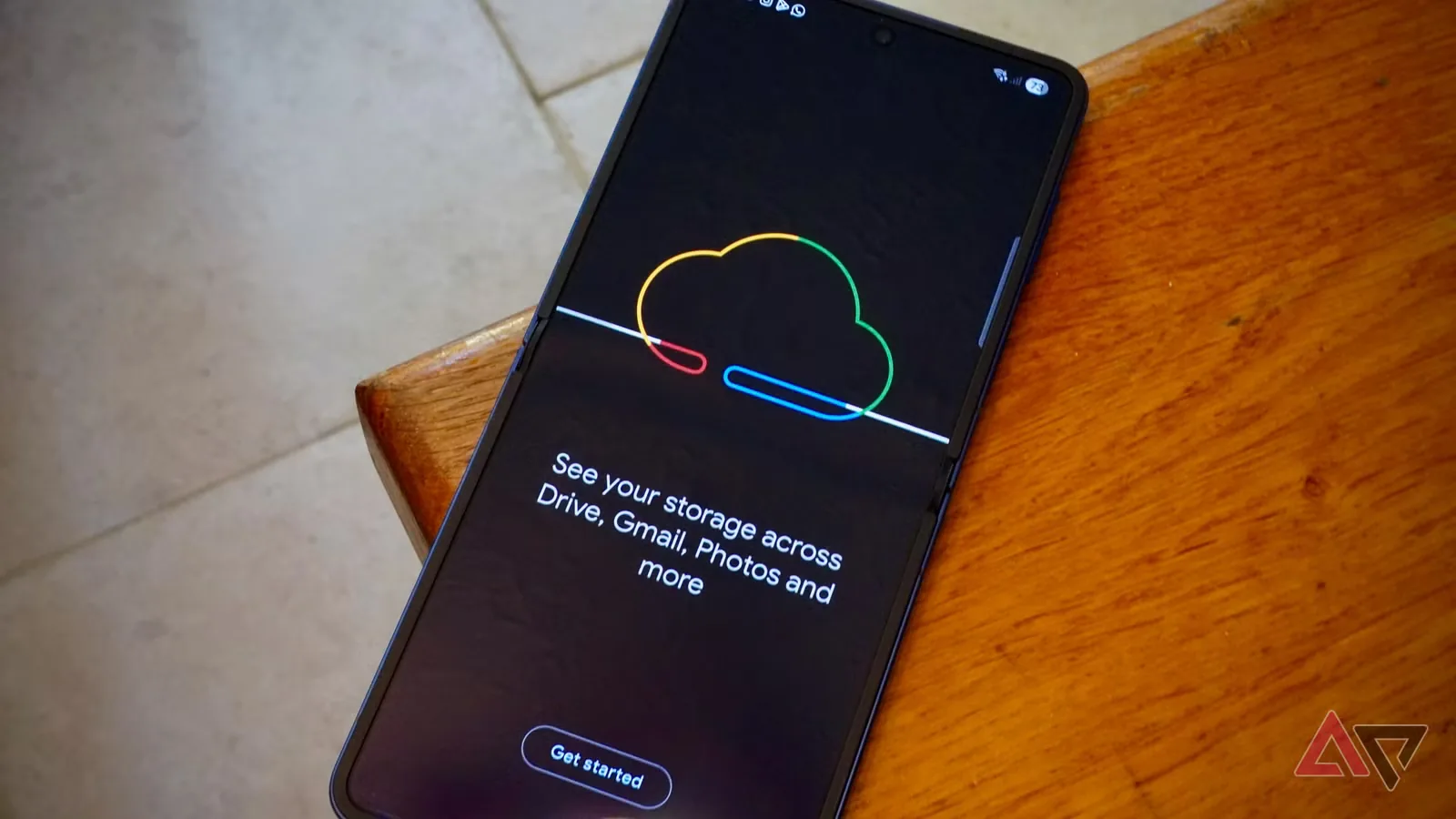
Google is implementing a significant policy shift for Android users, announcing that device backups will now consume space within their overall Google Account storage. This change, communicated via email to affected users starting in early July 2026, means that data previously excluded from storage quotas will now be factored in. The new policy is set to take effect in 45 days, potentially impacting users who are already close to their storage limits.
Previously, Android device backups were exempt from counting against the free 15GB storage provided with a Google Account. However, Google has updated its support documentation and is directly informing users that "all data included in your Android device backups will begin counting towards your Google Account storage limit." This adjustment is expected to modestly increase storage consumption for most users, as Google notes that photos and media, which often constitute the bulk of storage, are already accounted for separately. The additional storage used by these specific backups is estimated to be around 30–60 MB for the average user.
Enhanced Backup Controls Roll Out
Alongside the storage policy change, Google is introducing more sophisticated controls for Android 9 and newer devices. Users will gain the ability to select specific types of data to back up and choose which applications' data should be included in cloud backups. This granular control allows users to exclude data from apps that consume significant storage or are not essential for backup. Management of these settings can be done through the Google One app or within the Android device's native backup settings.
This move towards greater transparency and user control addresses a long-standing request from Android users. Historically, it has been difficult for users to determine which applications were backing up data to the cloud and to exclude individual app data from this process. By offering these enhanced controls, Google aims to provide a clearer understanding of storage usage and empower users to manage their cloud backups more effectively.
The necessity of automatic backups continuing without interruption makes understanding and managing Google Account storage crucial. For users approaching their 15GB limit, this change could prompt a reevaluation of their storage needs. Options include deleting unnecessary files, managing photos and videos within Google Photos, or considering an upgrade to a paid Google One plan for increased storage capacity. The company's decision to enforce this policy change reflects a broader trend among cloud service providers to more uniformly manage storage resources across all user data types.