
Windows 11 Deeper Smartphone Integration Coming Soon
Microsoft is planning significant updates to Windows 11 to more deeply integrate smartphones. New features aim to make PC and phone interactions seamless, enhancing the user experience.

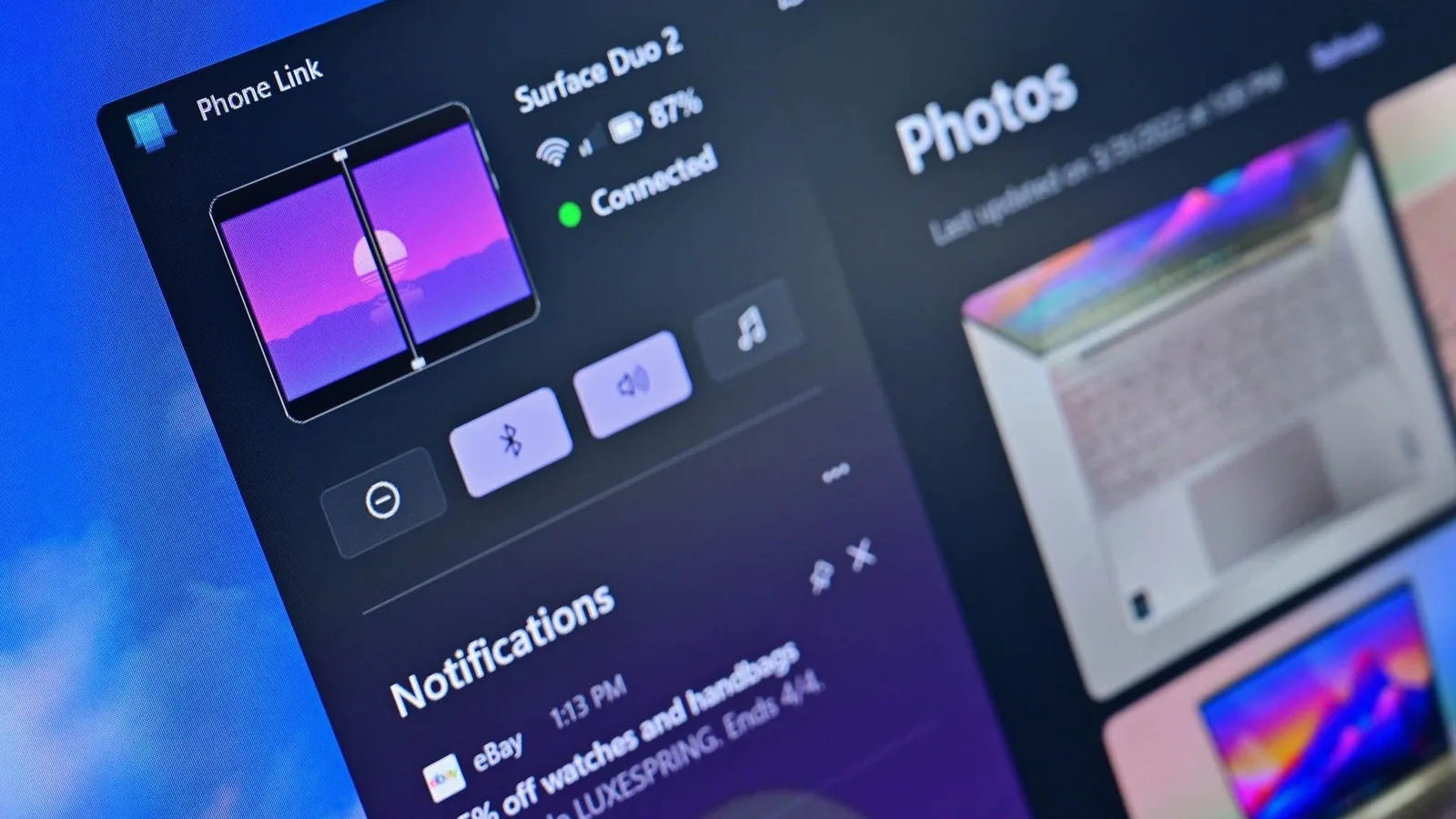
Microsoft is reportedly developing a suite of user experience enhancements for Windows 11 aimed at integrating smartphone functionality more deeply into the operating system. These planned upgrades, disclosed by sources familiar with the company's internal discussions, intend to make the existing Phone Link capabilities feel more native to the Windows environment.
Key among the proposed changes is an overhaul of the Phone Companion feature within the Start menu. Users may soon be able to view a more extensive list of recent smartphone activities directly, without the need to launch the dedicated Phone Link application. Further refinements could allow users to hover over these activities to reveal more detailed information, such as the full content of a text message or a preview of an image. Additionally, a new dedicated smartphone flyout is reportedly being tested for the Taskbar's system tray. This icon would appear when a phone is connected, offering a quick overview of the phone's status and providing toggles for features like Do Not Disturb and vibrate mode. File sharing could also be simplified through a drag-and-drop interface directly to this icon.
Enhanced Clipboard and Messaging Features
Microsoft is also exploring the synchronization of clipboard history between a user's phone and PC, leveraging Windows 11's existing clipboard feature. While current synchronization is limited to the most recent item copied, the proposed clipboard history would allow for a persistent, synced list of all copied content across devices. A separate development reportedly underway is a new dedicated Messages app for Windows 11. This application would synchronize SMS conversations from the user's phone, enabling replies and new chat initiations directly from the PC. This feature expands upon the messaging capabilities currently offered within the Phone Link app, positioning it as a standalone, pin-able application accessible from the Start menu.
These features are currently in internal exploration and prototyping phases. While Microsoft is likely to gather feedback from Windows Insiders before committing to a final release, the company's focus indicates a long-term strategy to embed smartphone integration more intrinsically within the Windows shell. This approach moves beyond the standalone Phone Link application, with features like file system access and webcam utilization via the phone already being integrated directly into the Windows 11 user interface.
The evolution of these features suggests that Microsoft is committed to making smartphones feel like a natural extension of the personal computer. The goal is to provide experiences that are not only functional but also feel fundamentally native to the Windows ecosystem, streamlining the interaction between mobile devices and desktops. The ongoing improvements to Windows 11 aim to create a more cohesive digital environment for users managing both their mobile and PC workflows.