
Apple's iOS 27 Public Beta Now Live, Featuring Advanced Siri AI
Apple has launched public betas for iOS 27, macOS 27, and other platforms, introducing a significantly upgraded Siri AI assistant. Users can now experience enhanced conversational abilities and new creative tools.

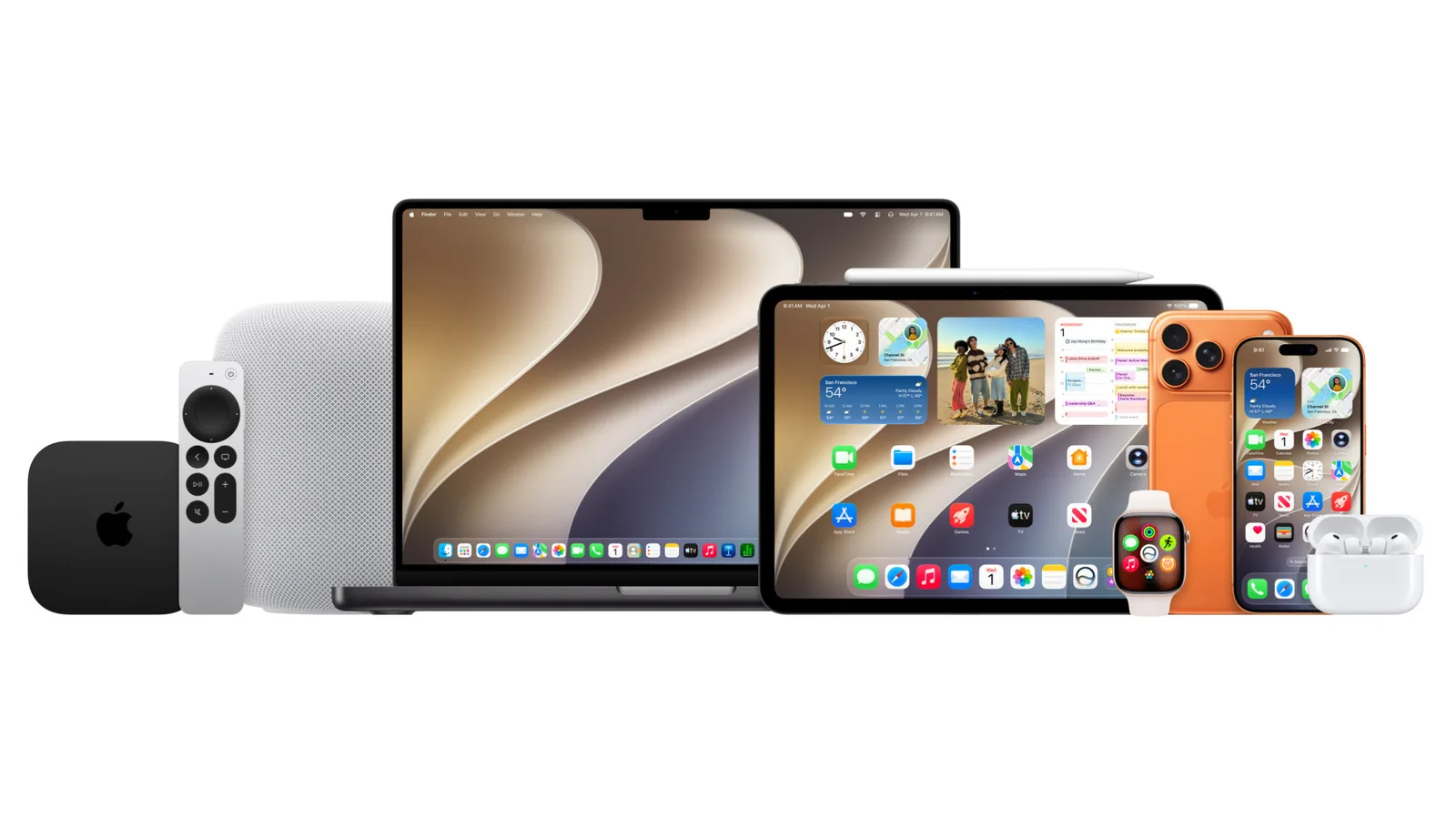
Apple has officially released the public beta versions of its latest operating systems, including iOS 27, macOS 27, and watchOS 27, allowing a wider audience to test upcoming features. The most significant overhaul comes to Siri, which transforms into a sophisticated AI assistant capable of natural conversations, understanding context, and performing complex multi-step actions within applications. This advanced Siri AI aims to redefine user interaction with Apple devices, with the potential for voice expressiveness customization on compatible hardware.
The enhanced Siri is a cornerstone of Apple's AI push, moving beyond basic voice commands to a more integrated and intelligent digital companion. A dedicated Siri app will also store conversation history, offering users a record of their interactions. Currently, this advanced functionality is limited to English and will not be available in the European Union at launch. Devices must meet Apple Intelligence requirements to run the new Siri.
New Creative Tools and Performance Boosts
Beyond Siri, iOS 27 introduces a suite of new features across its native applications. The Photos app gains more powerful editing capabilities, including Spatial Reframing to adjust image composition post-capture and an improved Clean Up tool for removing unwanted elements. The Extend feature allows users to creatively expand image boundaries. Image Playground has been upgraded to generate higher-quality images, incorporating photorealistic styles.
Apple is also emphasizing significant performance enhancements in iOS 27. The company claims apps will launch up to 30 percent faster, photos will appear in the Photos app up to 70 percent faster, and AirDrop transfers could be up to 80 percent faster. These improvements aim to provide a smoother and more responsive user experience. For Safari users, tab organization into automatic groups is a new convenience, and the Notify Me feature will alert users to price changes or restocks on webpages. The Passwords app now proactively detects weak passwords and assists in updating them, while the Shortcuts app enables natural language descriptions for creating new automations.
Addressing feedback on last year's 'Liquid Glass' design language, iOS 27 incorporates readability improvements and a slider for customization. For owners of Apple Watch, watchOS 27 brings a custom equalizer and adaptive audio slider to AirPods, along with a new settings menu. Siri AI is also integrated into the Apple Watch, potentially aiding users during workouts or on the go. The Apple Watch itself receives a Dynamic App Grid for surfacing relevant applications and a single-tap gesture for interacting with widgets.
macOS 27 'Golden Gate' integrates Siri AI as a productivity tool, accessible via Spotlight for screen analysis and writing assistance. Design refinements include uniform toolbars, edge-to-edge sidebars, and updated window shapes and menu bar icons. iPadOS 27 mirrors iOS 27's features, with iPad-specific enhancements like Visual Intelligence working alongside the Apple Pencil for on-screen analysis. External hard drive support sees a substantial improvement, with file transfers to SSDs reportedly five times faster and on par with Mac's Finder.
Users can enroll in the Apple Beta Software Program to download the beta software. Installation involves navigating to Settings > General > Software Update, and selecting the "27" public beta under the Beta Updates section. Early adopters should be aware that beta software may contain bugs and performance issues, and providing feedback through the Feedback app is encouraged to help refine the final release. Waiting for the second or third public beta release is recommended for a more stable experience.