
watchOS 27.0.1 Update Addresses Apple Watch Restart Glitch
Apple has released watchOS 27.0.1, a minor update for its Apple Watch lineup. The patch specifically targets and resolves a bug that caused some devices to unexpectedly restart.

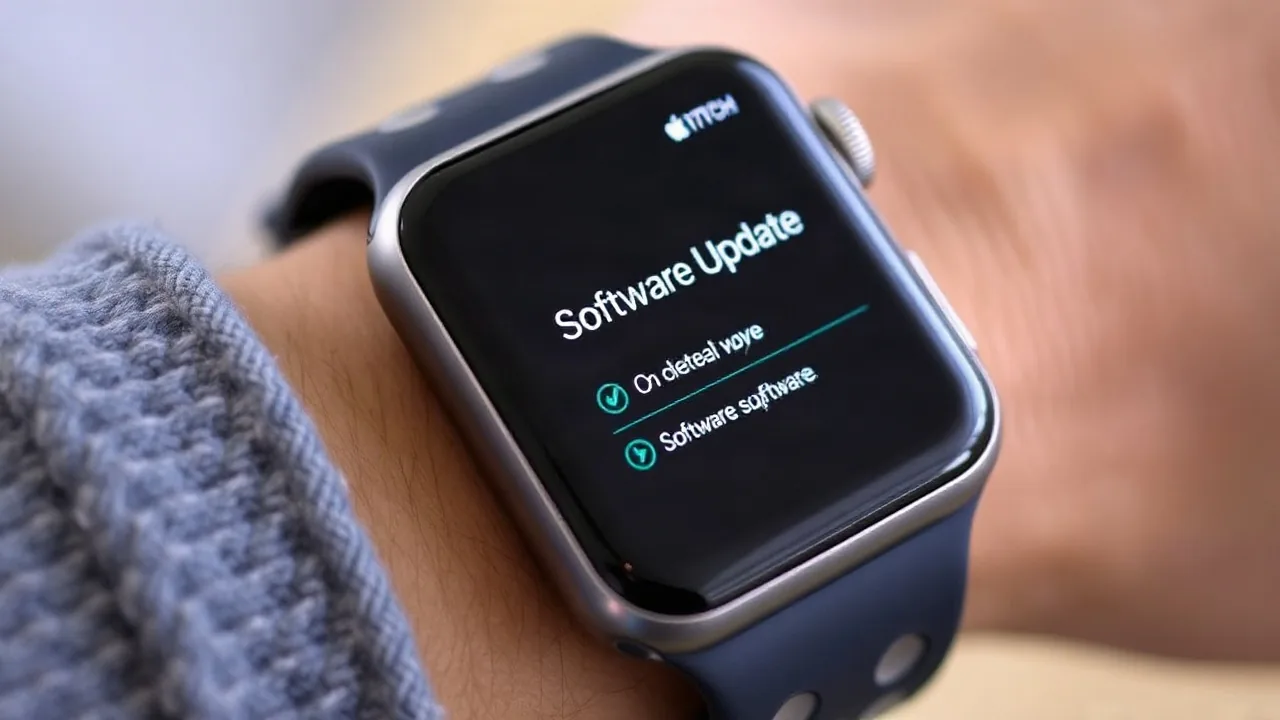
Apple is rolling out watchOS 27.0.1 to all compatible Apple Watch models, addressing a critical bug that caused some devices to unexpectedly restart. The update, available as of September 28, 2026, provides a fix for this disruptive issue that has affected users across various Apple Watch generations.
The primary focus of this software release is to eliminate a persistent glitch that could trigger random reboots on devices. While Apple has not detailed the exact circumstances that led to the bug, reports from users indicated that the issue was particularly prevalent on newer models, including the Apple Watch Ultra 4 and Apple Watch Series 12. This update aims to restore stability and ensure a seamless user experience.
Resolving the Rebooting Anomaly
The watchOS 27.0.1 update is a crucial patch for Apple Watch owners experiencing the frustrating restart problem. Previously, users would find their smartwatches powering down and back on without any manual intervention, disrupting daily use, notifications, and activity tracking. The fix implemented in this version is expected to completely eradicate the anomaly, bringing relief to those affected.
This release follows the recent launch of watchOS 27.0, which introduced new features and refinements. Minor updates like watchOS 27.0.1 are common in the tech industry to quickly address any unforeseen issues that emerge shortly after a major software deployment. Apple's commitment to prompt bug resolution ensures the continued reliability of its wearable devices.
Owners of Apple Watch Series 5, Series 6, Series 7, Series 8, Series 9, Series 10, Series 11, and Series 12, as well as Apple Watch SE (1st and 2nd generation) and Apple Watch Ultra (1st and 2nd generation), are encouraged to download and install the update. The process is typically straightforward, requiring the Apple Watch to be connected to its charger and within Wi-Fi range of an iPhone running the latest iOS version.
To install watchOS 27.0.1, users can navigate to the Watch app on their iPhone, select 'My Watch,' then 'General,' and finally 'Software Update.' The download and installation may take some time, and it is recommended to have at least 50% battery charge on the Apple Watch before proceeding.
This update underscores Apple's ongoing efforts to maintain the performance and security of its ecosystem. By swiftly deploying patches for bugs like the random restart issue, the company reinforces user trust and the overall value proposition of its Apple Watch lineup.