
Samsung One UI 9.5 to Introduce Long-Awaited App Lock Feature
Samsung's upcoming One UI 9.5 update is set to finally include a native App Lock feature, allowing users to secure individual applications directly from the home screen or app drawer.

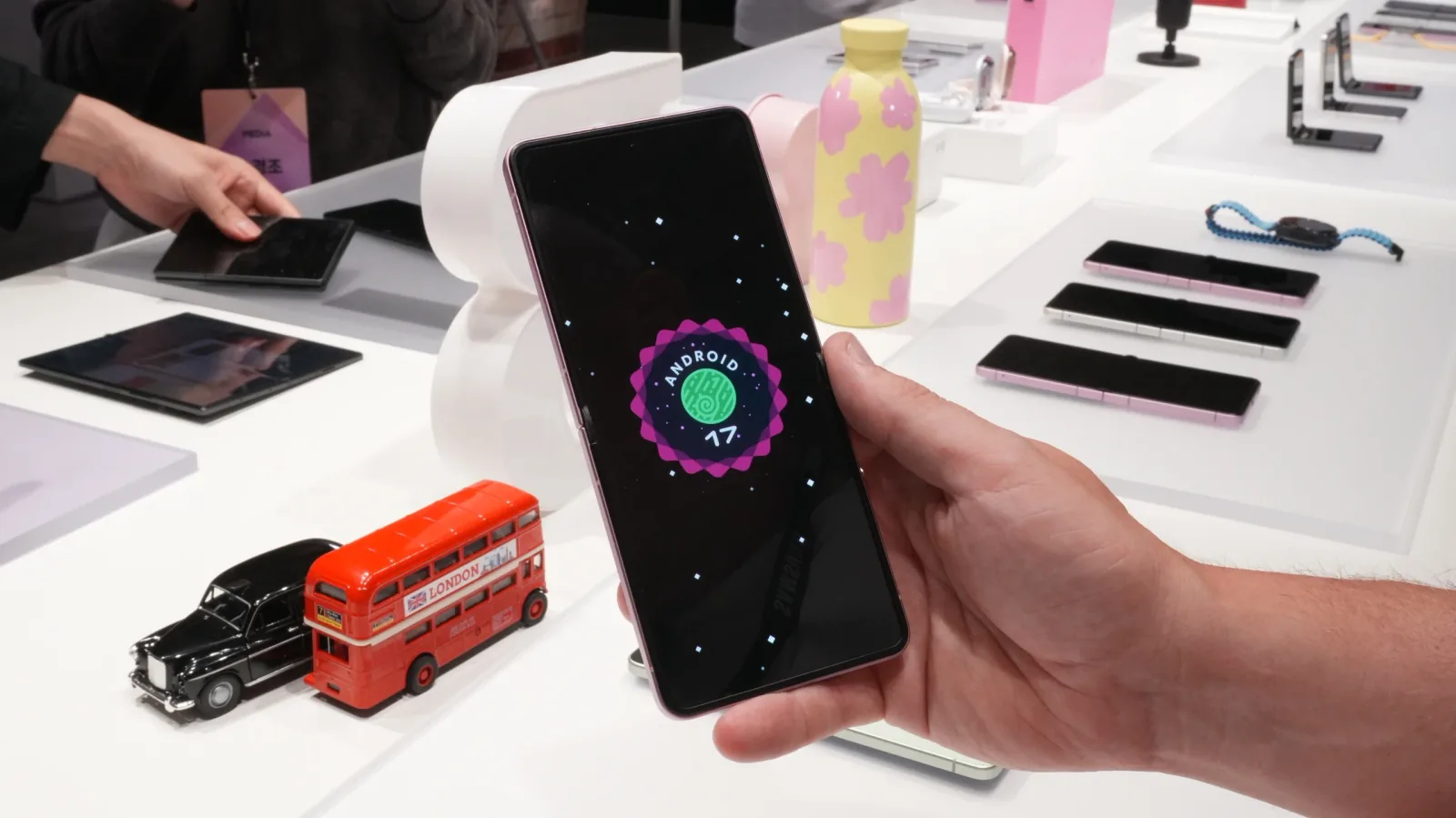
Samsung is reportedly set to introduce a highly anticipated App Lock feature with its next major software iteration, One UI 9.5. This new functionality will allow users to secure individual applications directly from their home screen or app drawer, a feature long requested by Galaxy device owners.
The App Lock feature, discovered in a One UI 9.5-based firmware running on a Galaxy S26, allows users to lock any app or game by long-pressing its icon and selecting a lock-shaped icon that appears in the top right corner of the context menu. Unlocking secured apps will utilize the device's existing screen unlocking mechanism, such as a PIN, pattern, or fingerprint, eliminating the need for separate credentials.
While Samsung devices have offered robust security options like Secure Folder for managing sensitive data, a straightforward app-level lock has been conspicuously absent. Previous expectations placed the feature's arrival with One UI 7.0 and later One UI 9.0, but these updates did not materialize. The discovery in One UI 9.5 firmware suggests Samsung has finally developed and integrated this sought-after functionality.
Upcoming Software Enhancements
One UI 9.5 is built upon Android 17 and is anticipated to officially debut with the Galaxy S27 series early in 2027. Following its launch on the flagship S27 lineup, the update is expected to roll out to a range of older eligible devices. This includes the Galaxy S26 series, the foldable Galaxy Z Flip 8, and the Galaxy Z Fold 8 series. Samsung typically extends software support to older and lower-end devices, so further expansion to a wider range of Galaxy smartphones and tablets is probable.
The introduction of App Lock addresses a common user request for more granular control over app accessibility. For instance, users might wish to prevent younger family members from accessing certain games or to keep messaging applications private without the need to employ the more comprehensive Secure Folder, which requires a separate setup and login.
This feature enhances the overall user experience by providing a quicker and more integrated way to manage privacy on a per-app basis. The reliance on the device's primary unlock method simplifies the process, making it more convenient for everyday use compared to managing additional passwords or PINs specific to app locking.