
Google Gemini App Adds Map Feature, Removes Shortcut
Google has rolled out a significant update to its Gemini app, introducing integrated map navigation while discontinuing a popular shortcut function. The changes reshape how users access local search and directions.

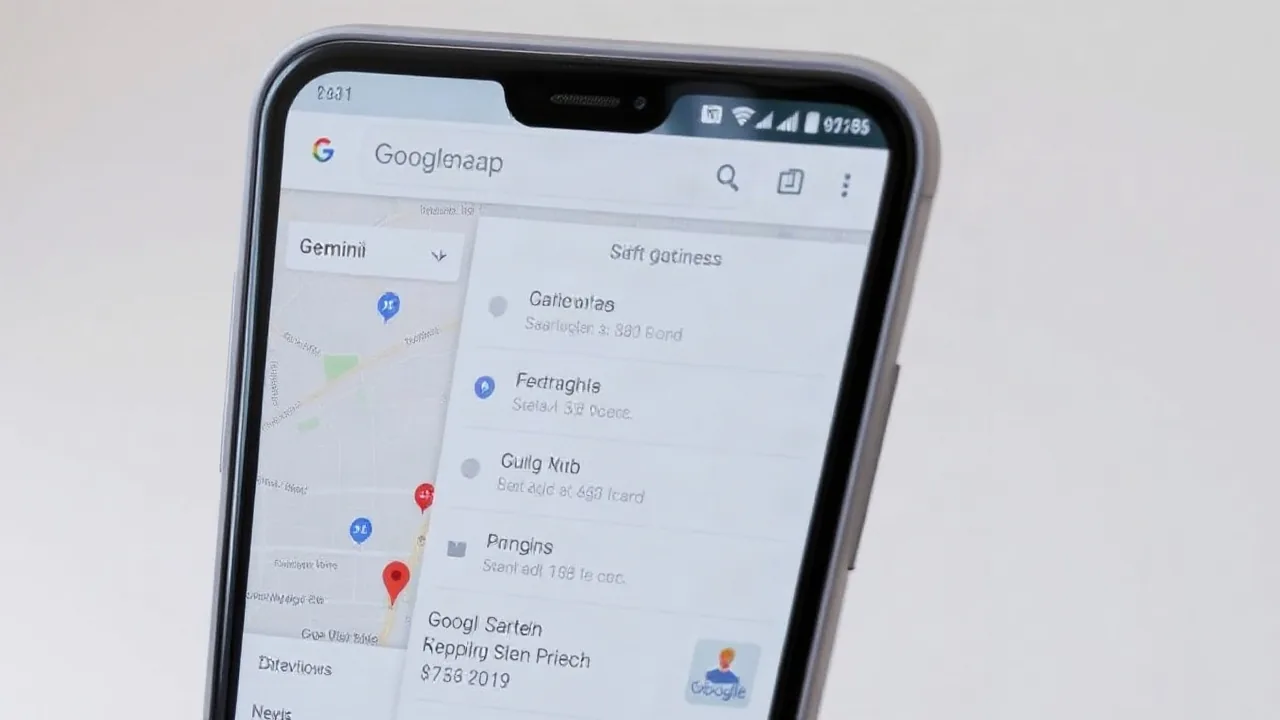
Google pushed a new version of its Gemini app to users this week, marking one of the more substantial feature shifts in the AI assistant's 2026 roadmap. The update introduces native map integration directly into the Gemini interface, allowing users to search locations, view directions, and explore nearby points of interest without switching apps. Simultaneously, Google removed the Gemini keyboard shortcut that had enabled quick access from the home screen since the app's early release.
The map feature works by surfacing location data within Gemini's chat window. Users can ask the assistant where to find a coffee shop, gas station, or restaurant, and Gemini now displays an embedded map preview alongside text results. Tapping the preview opens full directions powered by Google Maps.
"This integration reflects our effort to make Google Gemini app a single destination for information discovery," said a Google spokesperson in a statement to tech media outlets on October 7, 2026. "Users no longer need to context-switch between tools when they're looking for both answers and navigation."
What Changed in This Update
The rollout removes the direct keyboard shortcut that previously let Android and iOS users invoke Gemini from their home screen. This feature had been a convenience shortcut since Gemini's debut, allowing one-tap access without opening the full app. Power users who relied on this workflow now must open the Gemini app directly or use voice commands.
The trade-off is the new map feature, which Google positions as a more valuable integration. The embedded maps include:
- Real-time location search with business listings and ratings
- Turn-by-turn directions without leaving the chat interface
- Reviews and photos pulled from Google Maps
- Estimated travel times by multiple transit modes
Early testing showed the feature works across both iOS and Android, though the rollout is gradual. Not all users have received the update as of October 8, 2026. Google typically stages major feature releases over 2 to 3 weeks to monitor stability.
Why Google Made This Strategic Choice
The shift signals Google's broader strategy to consolidate its AI assistant into a productivity hub rather than keeping it as a standalone chat tool. By removing the quick-access shortcut, Google is nudging users toward deeper engagement within the full app experience, where it can surface additional capabilities and refine its AI tools.
Industry analysts see this as a calculated move. "Google is betting that users will spend more time in the app if core local-search and navigation tasks are built in," noted Marcus Chen, a mobile analyst at tech research firm StreamAnalytics, in an interview on October 6. "The shortcut was a convenience feature, but it didn't drive engagement the way a full app session does."
The timing also aligns with Google's push to integrate Gemini across its ecosystem. Earlier this year, Google embedded Gemini into Gmail, Docs, and Google Search itself. Adding location intelligence to the core app extends that pattern into real-world navigation—a domain where Google Maps dominates but where search and AI have rarely been truly unified.
Local search remains a high-value market. Queries for "restaurants near me" and "gas stations open now" drive significant traffic and ad revenue. By anchoring those queries inside Gemini rather than routing them through Google Search, Google keeps users within a more controlled software update cycle and can iterate faster on the assistant's capabilities.
User Reception and Workarounds
Reaction on social media and tech forums has been mixed. Users who rely on the shortcut for quick access expressed frustration, with many pointing out they now face an extra tap to open the app. However, users who frequently search for directions and local information have praised the embedded maps as a genuine time-saver.
Android users still have a partial workaround: they can create a custom home screen widget that links directly to Gemini, though this requires manual setup. iOS users have fewer options due to Apple's restrictions on direct app shortcuts, making the loss of the built-in shortcut more noticeable on that platform.
Google has not announced plans to restore the keyboard shortcut as a toggle or option. The removal appears to be permanent, part of the app's architectural shift toward unified search and navigation.
The navigation feature is expected to roll out fully by mid-October 2026. Users who have not yet received the update should check their app stores for the latest version of Gemini. The update is available for devices running iOS 15 and later and Android 10 and later.