
Power Users Reveal Custom Terminal Setups for Enhanced Productivity
Ars Technica readers share their customized command-line interfaces, showcasing how tailored terminal setups boost efficiency for developers and sysadmins.

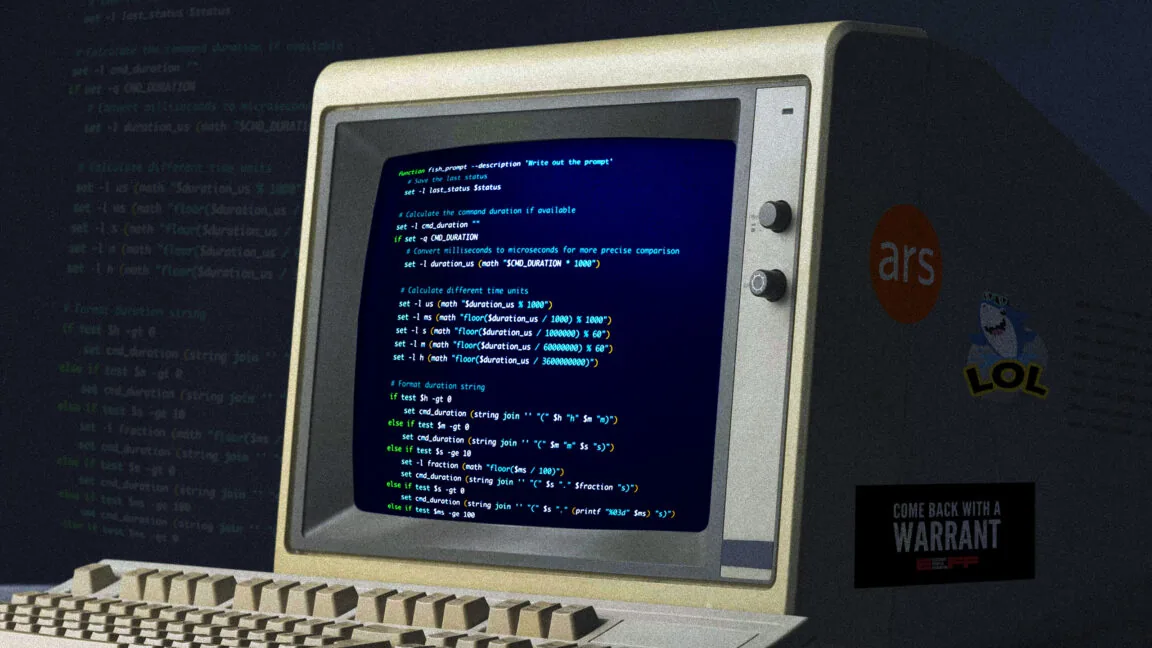
In an exploration of digital workspaces, users of the technology publication Ars Technica have begun sharing their highly personalized command-line interface (CLI) setups. This initiative reveals a vibrant community of users who invest significant effort in optimizing their terminal environments, transforming them into powerful tools for daily tasks ranging from software development to system administration.
The command line, often perceived as a relic of computing's past, continues to be an indispensable tool for many. Unlike graphical user interfaces (GUIs) that often require users to issue broad commands, the CLI offers a high degree of precision, allowing for intricate control over system operations. This direct interaction is precisely why many professionals, like Ars Technica's own Lee Hutchinson, find it superior for specific tasks, a sentiment echoed by numerous community members.
Hutchinson recounted his own journey away from Windows in 2007, largely influenced by his work with EMC Celerra NAS appliances at Boeing. The necessity of using bash scripting for managing these enterprise systems gradually converted him to the power of the Unix-like shell. "The more I used a Unix-y shell at work, the more I began to miss it at home," Hutchinson noted, highlighting a common experience where professional exposure leads to personal adoption of command-line tools.
Customizations Enhance Workflow and Usability
Beyond basic functionality, the appeal of the terminal lies in its extensibility and the ability to tailor it to individual needs. Many users shared elaborate customizations, including enhanced color schemes, custom prompts, and automated workflows. One particularly popular customization involves adding a command timer directly into the shell prompt. This feature displays how long the preceding command took to execute, offering valuable insight for performance analysis and debugging.
For instance, a common setup involves modifying the `.bashrc` file to include functions that measure command execution times. When a command finishes, the updated prompt not only shows the exit status (indicating success or failure) but also the duration of the task. This is incredibly useful for identifying bottlenecks or simply for understanding the efficiency of different operations. "It's incredibly handy, at least for me, to have an easy-to-see reference of how long the last command took to run," shared one participant, illustrating the practical benefits.
These customizations extend to creating visual cues. For example, a successful command execution might be marked with a green checkmark in the prompt, while an error could be indicated by a red 'X' alongside the specific error code. Such visual feedback, often implemented using ANSI escape sequences, helps users quickly assess the outcome of their actions without needing to parse verbose output. The goal is to create an environment that is not only functional but also intuitive and visually informative, reducing cognitive load and speeding up operations.
The discussion also touched upon different shell environments. While bash remains a popular choice, particularly on Linux servers, other shells like Zsh and Fish have gained significant traction. Fish, known for its user-friendly syntax and colorful output, was highlighted as a preferred option by some Mac users. Regardless of the specific shell, the underlying principle remains the same: users are leveraging these tools to build bespoke computing experiences that enhance their productivity and streamline complex tasks. The ongoing engagement with command-line customization underscores its enduring relevance in the modern technological landscape.