
PC RAM Lifespan: How Long Can Your Computer's Memory Last?
Computer RAM typically lasts for many years, often outliving other components. Learn about factors affecting its lifespan and when replacement might be necessary.

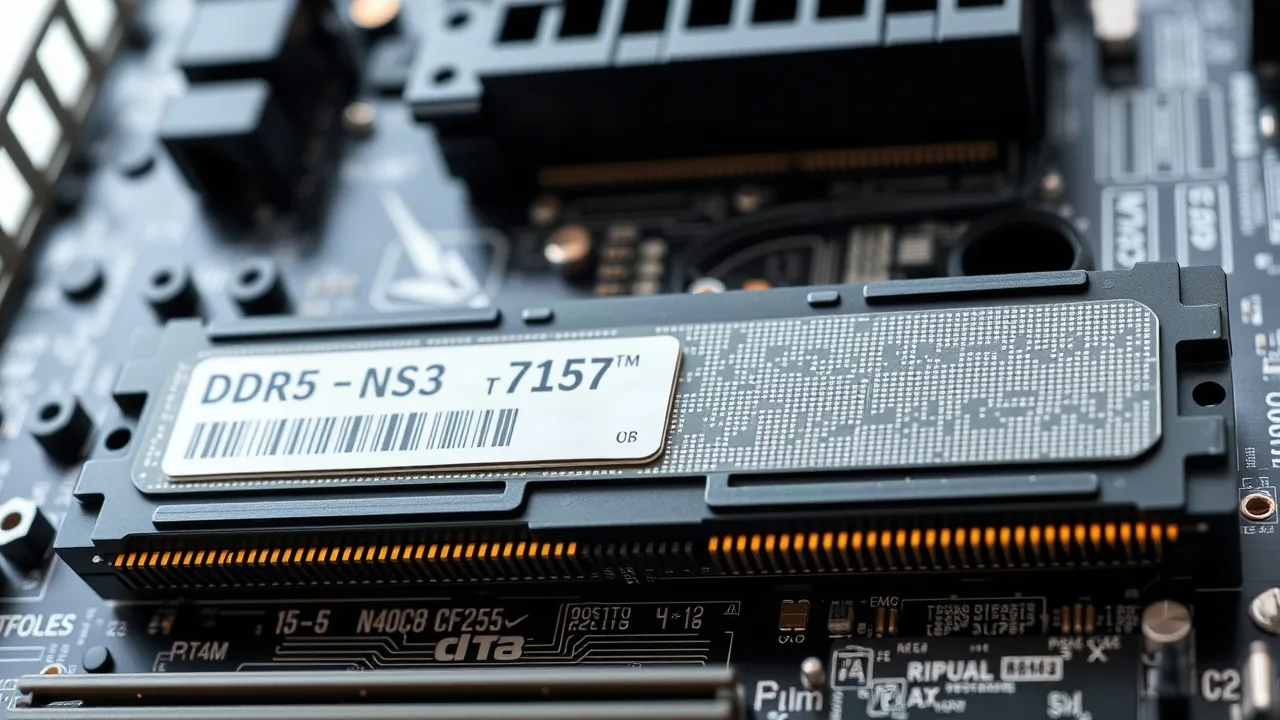
Random Access Memory, or RAM, is a critical component in any personal computer, facilitating the quick retrieval of data for active applications. While many PC users focus on upgrading their processors or graphics cards, the longevity of RAM modules often goes unconsidered. Fortunately for consumers, RAM is generally a durable component and can last for a significant period, frequently outlasting the useful lifespan of the computer itself.
In most scenarios, RAM modules are designed to function reliably for years, often between 10 to 15 years, and sometimes even longer. Unlike components that experience constant mechanical wear, such as hard disk drives or cooling fans, RAM chips are solid-state devices with no moving parts. This inherent durability means that physical failure due to wear and tear is rare. Instead, RAM failures are more commonly linked to external factors like power surges, manufacturing defects, or environmental conditions such as extreme heat or humidity.
Understanding Factors Affecting RAM Longevity
While RAM is robust, certain conditions can shorten its effective life. Consistent exposure to unstable power, for instance, can stress the delicate circuits. Using a surge protector or a Uninterruptible Power Supply (UPS) is a prudent measure to safeguard all PC components, including RAM, from damaging voltage fluctuations. Overheating is another significant threat. Although RAM modules do not generate excessive heat on their own, poor case ventilation or inadequate cooling can lead to elevated temperatures within the computer chassis, potentially impacting RAM performance and longevity over time.
Furthermore, physical shock, such as dropping a laptop or roughly handling a desktop tower during operation, can dislodge or damage the RAM modules. While modern RAM, like DDR4 and DDR5, is more resilient than its predecessors, it is still sensitive to such physical stresses. Dust accumulation, which can impede airflow and lead to overheating, is another indirect factor that can contribute to premature component failure. Regular cleaning of a computer's interior is therefore recommended maintenance.
Manufacturing defects, though uncommon, can also lead to early failure. If a RAM module has a flaw from the production line, it might malfunction shortly after installation or within the first few months of use. Many reputable manufacturers offer lifetime warranties on their RAM products, reflecting the confidence in their durability and providing a safety net for consumers against such rare occurrences. Checking the warranty terms for your specific RAM is advisable.
For the average user, the question of replacing RAM is less about its physical lifespan and more about meeting evolving performance demands. As software becomes more resource-intensive and multitasking increases, users may find their existing RAM capacity insufficient, leading to slower system performance. In such cases, upgrading the RAM to a larger capacity, rather than due to a hardware failure, becomes the primary motivation. Modern operating systems and applications often recommend or require higher amounts of RAM than were standard even a few years ago, making a capacity upgrade a more common necessity than a component replacement due to age.