
Maximize MacBook Pro Battery Life: Essential Tips for 2026
Extend your MacBook Pro's power with simple tweaks. Learn to manage demanding apps, choose efficient browsers, and optimize display settings for longer usage.

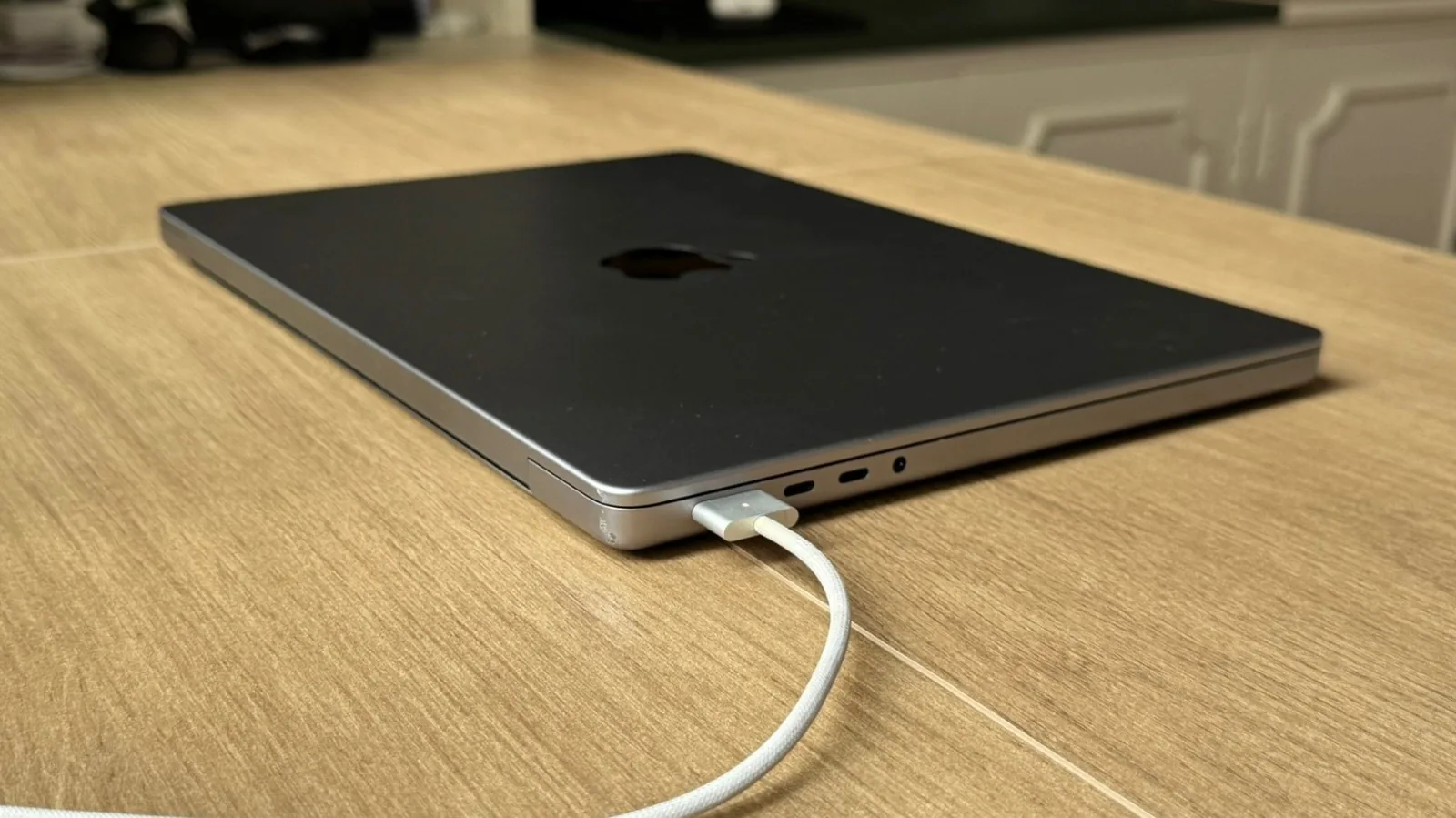
Apple's MacBook Pro, especially models equipped with M-series chips, is renowned for its impressive speed, seamless hardware-software integration, and exceptional battery longevity. Current MacBook Pro configurations can offer up to 24 hours of video streaming and 16 hours of wireless web browsing on a single charge, providing ample power for a full workday or travel. However, users can further enhance this already robust performance by implementing several key strategies.
Identifying and managing resource-intensive applications is crucial. While the MacBook Pro is designed to multitask efficiently, keeping an eye on the battery icon in the menu bar can reveal which apps are consuming the most energy. Applications that run multiple background processes, such as web browsers like Google Chrome, can significantly impact battery drain. Chrome, for instance, dedicates a separate process to each tab, which, while enhancing stability, increases power consumption.
Apple's native browser, Safari, is engineered for optimal power efficiency on macOS. For users who prefer alternatives, Microsoft Edge presents a viable option, offering solid battery performance while maintaining functionality similar to Chrome. Regularly updating your macOS is also vital, as Apple consistently releases patches that address bugs, bolster security, and introduce features that can indirectly improve battery management. For example, future macOS updates are slated to enhance Siri's capabilities with advanced AI, making the personal assistant more helpful and potentially more efficient.
Optimizing Display and Power Settings
Beyond software management, users can leverage built-in settings to conserve power. The Low Power Mode, accessible within the battery settings, can be a lifesaver when maximum runtime is needed. Proper hardware care, such as ensuring the MacBook Pro is used on a flat, stable surface to facilitate airflow and prevent overheating, also contributes to sustained performance and battery health.
Manually adjusting screen brightness and keyboard backlighting can yield significant power savings. In bright environments, disabling keyboard backlights eliminates unnecessary energy draw. Similarly, reducing the display's brightness, especially when not working outdoors or in demanding visual conditions, can extend battery life considerably. For users who require absolute maximum runtime, reducing the ProMotion display's refresh rate from its dynamic 120Hz capability down to a fixed 60Hz, found in the Display settings, can make a noticeable difference.
Furthermore, configuring the lock screen settings to automatically turn off the display after a short period of inactivity ensures that the screen doesn't unnecessarily consume power while the laptop is idle, such as during short breaks. These adjustments, combined with mindful app usage and regular software updates, empower MacBook Pro users to achieve the best possible battery life for their daily needs.