
iOS 27 Shortcut Blocks Mindless Scrolling Habits
A new feature in the iOS 27 beta allows users to create custom shortcuts, with one user discovering a method to block social media apps during work hours, combating mindless scrolling.

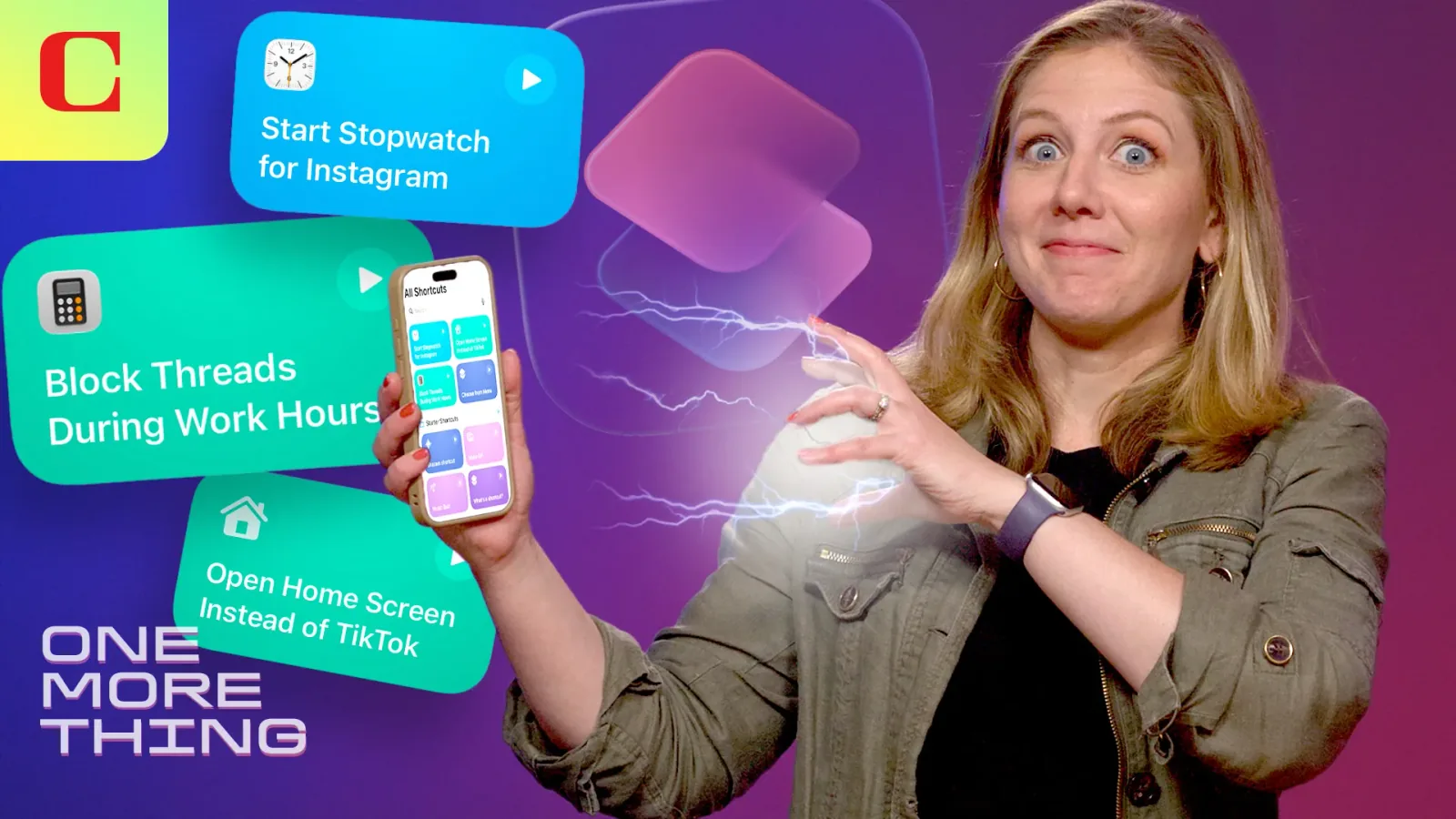
A beta tester for Apple's upcoming iOS 27 operating system has found an innovative way to combat compulsive social media use, leveraging the platform's revamped Shortcuts app. The feature, dubbed "Describe a Shortcut," allows users to create custom automations by speaking commands in natural language. This particular user programmed their iPhone to prevent access to social media applications like Instagram, Threads, and TikTok during designated work hours, effectively disrupting a habit of mindless scrolling.
The user detailed their experience in a recent video, explaining how they instructed the Shortcuts app to function as a digital gatekeeper for their phone's most distracting applications. While Apple's Screen Time feature already offers tools to manage app usage and curb digital addiction, this custom shortcut approach provides a more direct and personalized method. The effectiveness of the shortcut in halting the compulsive urge to open social media apps, even when the user couldn't recall why they picked up their phone, highlights the potential for user-defined automation to alter digital behavior.
Customizing Digital Boundaries
The core of this solution lies in the expanded capabilities of the Shortcuts app in iOS 27. Previously, users could create complex workflows, but the "Describe a Shortcut" function simplifies the process significantly. By simply articulating their desired outcome – in this case, blocking access to specific apps during certain times – users can automate actions that might otherwise require manual intervention or third-party services. This move towards more intuitive automation could empower users to take greater control over their device interactions.
The development is particularly relevant in an era where digital well-being is a growing concern. Many individuals report struggling with the addictive nature of social media platforms, often finding themselves lost in endless feeds without realizing how much time has passed. The ability to create personalized digital boundaries, as demonstrated by this iOS 27 shortcut, offers a proactive strategy. It moves beyond simple time limits, providing a more robust mechanism to enforce desired usage patterns and reclaim focus during productive periods. The user’s approach, while perhaps not the intended use case for developers, effectively transforms the smartphone from a constant source of distraction into a tool that respects the user's goals.
This innovation underscores a broader trend in mobile operating systems: providing users with more granular control over their device's functionality. As mobile devices become increasingly central to daily life, the tools that help manage our relationship with them are becoming as important as the devices themselves. The introduction of advanced customization through natural language commands in iOS 27 suggests a future where users can more easily tailor their digital environments to support their mental health and productivity.