
iOS 18: Siri AI Activation Speed and New Features Examined
Apple's latest iOS 18 update introduces a significantly upgraded Siri AI. Users are evaluating its activation speed and exploring new productivity features, including calendar shortcuts and enhanced Notes app functionalities.

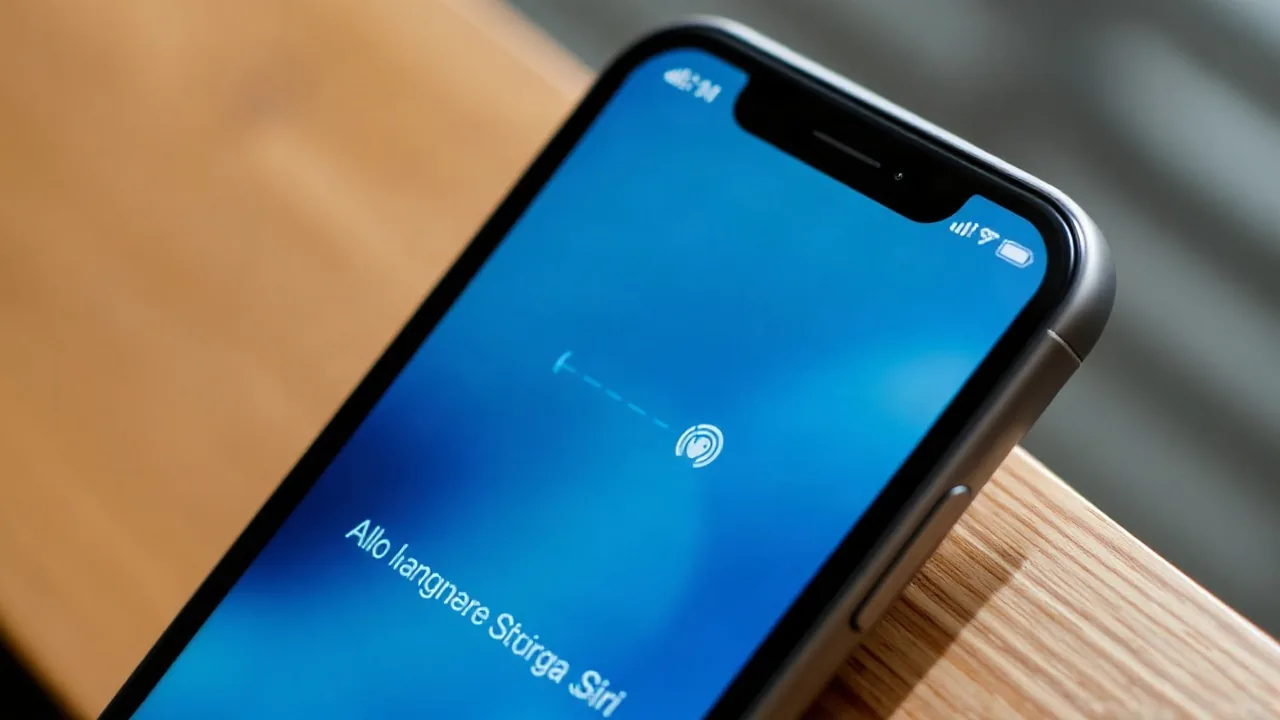
Apple's forthcoming iOS 18 is poised to redefine user interaction with its devices, headlined by a substantial overhaul of its virtual assistant, Siri. The updated Siri AI, integrated deeply into the operating system, promises faster response times and a more intuitive conversational experience. Early user feedback and tech previews suggest that while the new Siri is more capable, questions remain about its immediate activation speed on devices running the latest software.
The core of the iOS 18 experience, according to initial reports, lies in the enhanced capabilities of Siri. This isn't just a minor tweak; Apple has significantly invested in artificial intelligence to make Siri a more proactive and helpful assistant. Beyond voice commands, Siri is expected to offer advanced contextual awareness, enabling it to perform complex tasks with greater accuracy and less user input. This includes features like setting up detailed calendar events with natural language prompts and offering smarter suggestions within apps.
Siri AI's Performance and Productivity Enhancements
One of the key areas of focus for users and reviewers is how quickly the new Siri AI can be summoned and respond. Initial reports suggest a noticeable improvement in processing speed, with activation times potentially under a second for many common commands. However, more complex queries or tasks requiring cloud processing might introduce slight delays. For instance, initiating a complex calendar entry, which involves parsing multiple pieces of information like date, time, attendees, and location, could take a moment longer than a simple weather check.
Beyond its responsiveness, the productivity suite accompanying Siri in iOS 18 is drawing considerable attention. The Notes app, for example, is slated to receive features that allow for smarter organization and integration with Siri. Users might be able to dictate notes directly to Siri, which can then categorize them or link them to relevant calendar events or reminders. This level of integration aims to streamline workflows, reducing the friction between capturing an idea and acting upon it.
Apple's strategy with iOS 18 appears to be a concerted effort to move Siri from a reactive assistant to a proactive partner. This involves not only understanding user commands but also anticipating needs. For example, if a user is frequently scheduling meetings with a particular colleague, Siri might proactively suggest times or even draft initial meeting invitations. This shift leverages the advancements in AI and machine learning, allowing the assistant to learn user patterns and preferences over time.
The broader implications of this AI-driven update extend to how users manage their daily lives. With revamped Screen Time controls, Apple is also enhancing how users can monitor and manage their device usage, with Siri potentially playing a role in setting or adjusting these limits. The goal is to provide a more seamless and intelligent experience across the entire Apple ecosystem, making devices more indispensable tools for both personal and professional productivity.
While the full impact of Siri's AI upgrade in iOS 18 will only become clear upon its wider release, the initial previews indicate a significant leap forward. The focus on activation speed, coupled with deep integration into core apps like Calendar and Notes, suggests Apple is serious about reclaiming its position in the competitive landscape of virtual assistants. Users will be keen to test the practical benefits of this enhanced AI and how it translates to tangible improvements in their daily digital interactions.