
Android 17 Beta 3 Adds Partial Screenshot Tool for Large Screens
Android 17 QPR1 Beta 3 now enables a partial screenshot feature by default, allowing users to capture specific areas or windows on large-screen devices. Full phone support remains unoptimized.

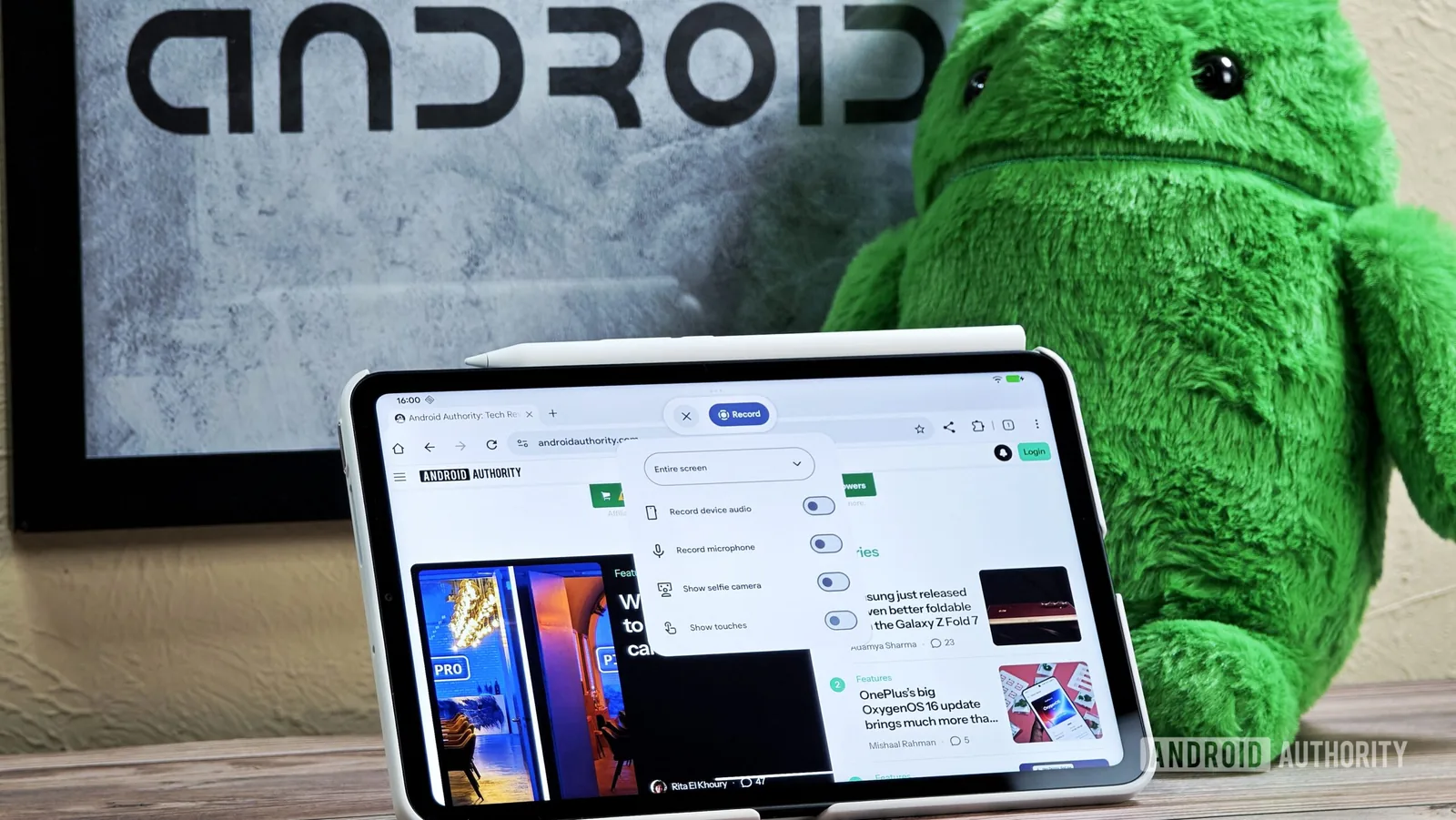
Google has activated a long-anticipated partial screenshot feature by default in the latest Android 17 QPR1 Beta 3, primarily targeting users with large-screen devices like tablets and foldable phones. This update introduces an enhanced screen recording toolbar that now incorporates advanced screenshot capabilities, enabling users to capture custom selected areas, specific split-screen windows, or the entire display.
The updated toolbar presents three distinct screenshot options: capturing a selected window (useful for split-screen multitasking or app bubbles), taking a screenshot of a custom-defined area, or capturing the whole screen. While these new tools are designed to improve usability on larger displays, early testing indicates that forcefully enabling them on standard smartphones results in an unoptimized, enlarged user interface.
Enhanced Screenshot Capabilities Arrive
Google has been steadily refining the screenshot and screen recording experience across its Android ecosystem. Last year, changes were noted for tablets and PCs, culminating in a redesigned experience rolled out with Android 17 Beta 3. However, some of the more granular features, such as partial screen recording and partial screenshots, were not fully functional at that time. The current release, Android 17 QPR1 Beta 3, finally brings the partial screenshot functionality out of hidden settings and makes it a default option for compatible devices.
The partial screenshot functionality has the potential to significantly streamline workflows for users who frequently engage in multitasking or need to capture specific visual information without cumbersome editing. For instance, capturing an individual app window in a split-screen setup or isolating a particular element from a web page could become a one-tap process. This mirrors functionalities seen in some third-party applications but brings it natively to the operating system.
Despite the progress, the screen recording aspect of the toolbar still requires further development. Currently, users can only record the active window or the entire screen. The partial screen recording feature, which would allow users to capture only a specific portion of their screen, remains unavailable by default. Developers and power users are hopeful that future beta releases will address this limitation, bringing the recording capabilities in line with the new screenshot options.
The UI issues on smaller screens highlight the ongoing challenge of creating a consistent and optimized user experience across Android's diverse hardware landscape. While the underlying partial screenshot technology appears to function correctly on phones, the visual presentation needs significant refinement before it can be considered user-friendly. This suggests that while the feature is technically ready, its public rollout to all Android devices might still be some time away, pending further UI adjustments and testing by Google engineers.
For now, users with large-screen devices like the Pixel Fold or Android tablets can explore these new screenshot tools in the latest beta. Android 17's continuous development cycle means that further refinements and bug fixes are expected before the stable release, potentially including the optimization of the UI for phones and the enablement of partial screen recording.